














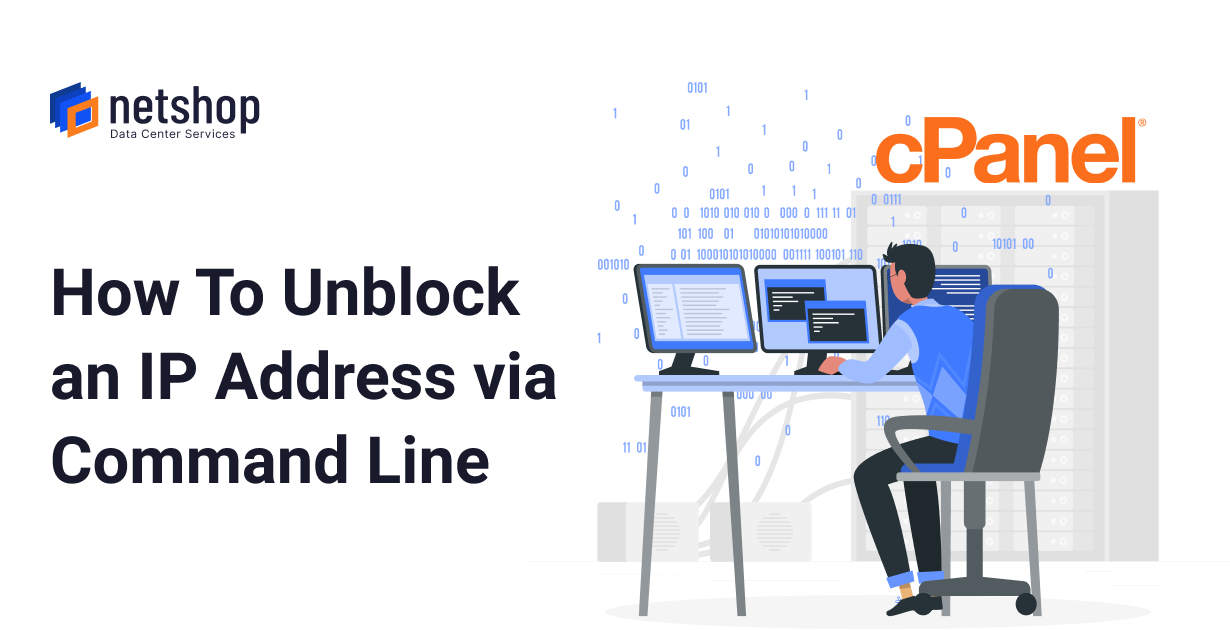

cPanel is widely popular among Linux administrators, Web hosting resellers and webmasters who need a simple yet powerful control panel with a graphical user interface (GUI) to manage their hosting environment and websites.
cPanel Brute force protection with cPHulk
In order to protect your VPS or dedicated server from brute force attacks, you will need to enable and configure cPHulk. cPHulk is a security feature in WHM which helps in blocking login attempts in cPanel, WHM, SSH, FTP and IMAP/POP3 services.
If you are already using the CSF Firewall for your server’s protection, cPHulk can be enabled and configured for additional protection. cPHulk is only Brute Force detection/failed login blocking , whereas a Firewall or a security solution (CSF) includes a lot more. If you are interested in just auto-blocking, cPhulk will do the job perfectly.
Unblocking an IP address in cPHulk from Command Line
There are many cases when the administrator (root user) of a cPanel server gets blocked due to multiple failed login attempts. Don’t panic!
SSH to your cPanel server and execute the following command:
/usr/local/cpanel/scripts/hulk-unban-ip your_banned_ip_addressIf the above command line does not work, then you can try disabling cPHulk temporarily with the following command:
/scripts2/doautofixer?autofix=disable_cphulkdYou should now be able to access your WHM control panel and make sure you remove your own IP address from the blacklist before re-enabling cPHulk again.
To remove the lockout for a specific IP address on servers that run cPanel & WHM version 11.50 or later, call WHM API 1’s flush_cphulk_login_history_for_ips function.
Worry-free, Fully Managed Hosting by NetShop ISP
If you are looking to run a VPS or Dedicated server on cPanel but your technical knowledge or time is limited, we can take care of the server management for you.
You can choose a Fully managed VPS hosting for just €45 per month, or if you are looking for a Fully managed dedicated server all you need to pay extra is €99 per month.
Our fully managed hosting services include the following:
1. 24×7 Proactive Monitoring
2. 24×7 Technical Support
3. Websites Migration Assistance
4. Troubleshooting Assistance
5. New Software Installation Assistance
For more information or to request a discount for multiple servers management please contact our 24/7 Web Hosting specialists.