


















As a web hosting provider we work closely with our customers who, in majority, are system administrators and network engineers. One of the most frequent challenges a Linux server administrator will face, is the monitoring of network connections/sockets on the server to identify and resolve bottlenecks.
In this article we explain, in simple words, what TCP and UDP are and how you can monitor the activity on your Linux server in real-time.
What is TCP and UDP?
The Transmission Control Protocol (TCP) and the User Datagram Protocol (UDP) are both network protocols responsible for data transfers between an end-user’s device to a web server.
For example, when chatting on Skype the TCP and UDP protocols are used so that your messages can travel from your laptop or mobile, through Skype’s Servers, and reach your Skype contact; and vice-versa.
How to List all Open TCP and UDP Ports in Linux
The netstat is system administrators’ favorite command to list all open ports on a Server. However, as it has been deprecated, you can now also use the ss utility for details network statistics.
Simply type the following command:
sudo netstat -tulpn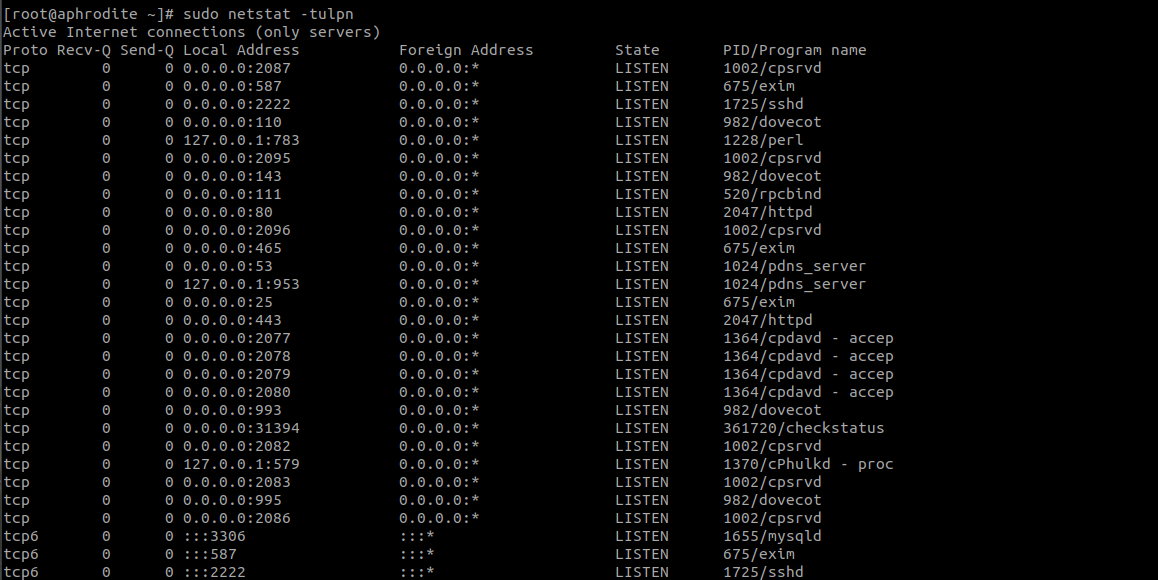
Explanation of the netstat command flags/parameters
-t : Enables listing of TCP ports
-u : Enables listing of UDP ports
-l : Displays only listening sockets
-n : Displays the port number
-p : Displays the process name
How to Watch TCP and UDP Ports in Real-Time
To monitor the TCP and UDP ports on your Linux server in real-time, the following command should be used:
sudo watch netstat -tulpnor
sudo watch ss -tulpn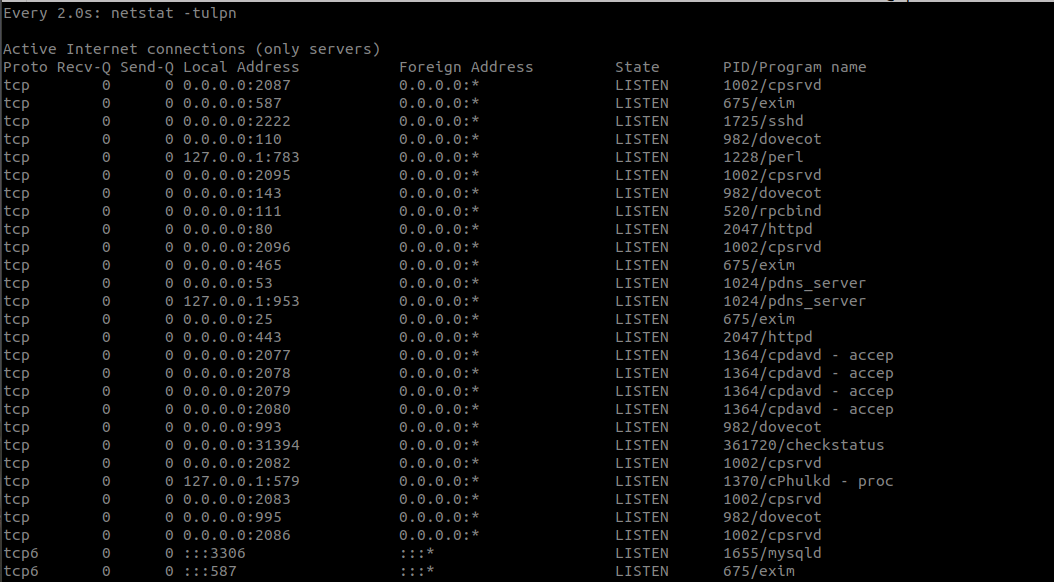
Once you are done with Ports monitoring, you can type Ctrl-C to exit the watch utility.